
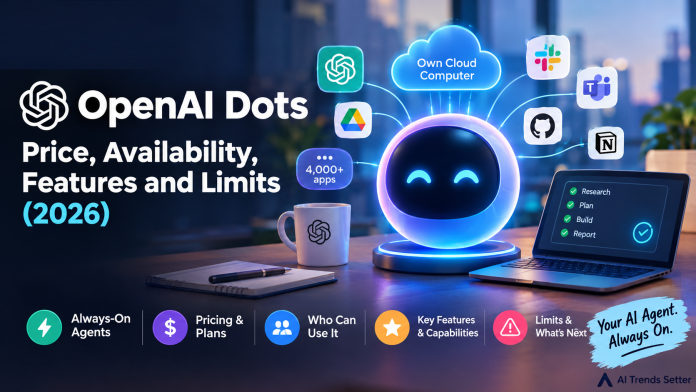
OpenAI announced dots on September 29, 2026, during its DevDay event, and the idea behind them is easy to state: an AI agent that does not stop working when you close the chat window. Instead of answering one prompt and waiting, a dot keeps its own cloud computer, follows the goals you give it, and reports back when it has something for you. This guide explains what OpenAI dots are, what they can do, what they cost, who can use them today, and how they compare with rival always-on agents.
What Are OpenAI Dots?
According to OpenAI’s launch post, dots are always-on agents powered by GPT-6 Astra. Each one has its own cloud computer and its own browser, learns from your feedback over time, and can work toward your goals around the clock. Through OpenAI’s plugin ecosystem, a dot can connect to more than 4,000 apps.
The key difference from a normal ChatGPT conversation is persistence. A regular chat is reactive: you ask, it answers. A dot is meant to hold an ongoing responsibility, such as keeping a sales proposal current or watching a project for changes, and carry it across days. You can reach the same dot in ChatGPT on desktop, web and mobile, through Slack and Teams, or by voice call, and it keeps context across those channels.
If you are new to agents in general, read our beginner guide on what AI agents are before going further.
What Can an OpenAI Dot Do?
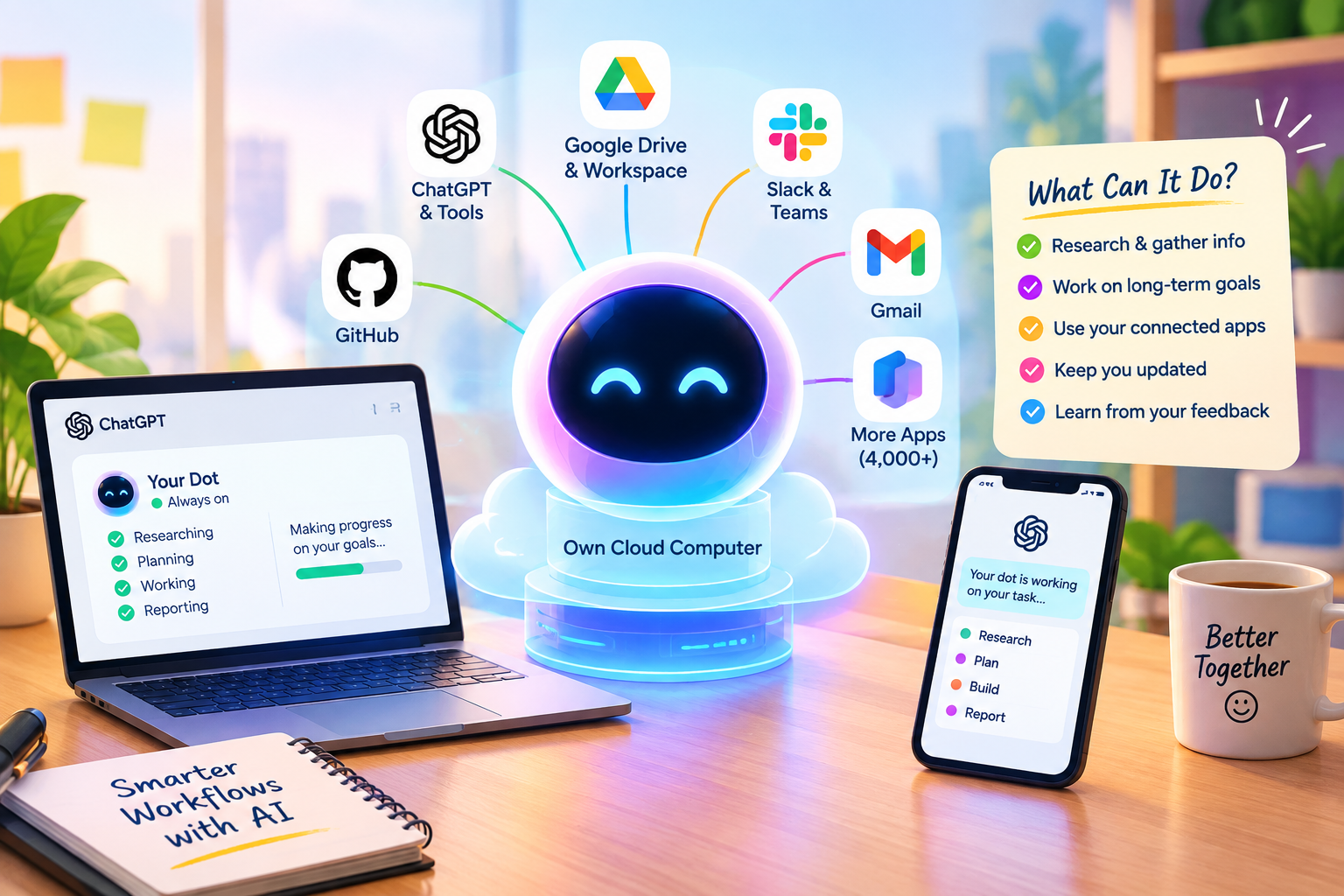
OpenAI’s own examples show the pattern. A developer’s dot can watch customer feedback, scope small fixes, build and test them, and hand over finished pull requests for review. A product lead’s dot can revise launch materials when the scope changes. A scientist’s dot can rerun analyses as new data arrives. A sales lead’s dot can update a proposal as requirements shift, and a creator’s dot can turn a new interview transcript into clips, show notes and draft social posts for approval. One early tester had a dot notice a forgotten invoice, prepare it, and send it after he approved it.
Proactive research
When you are not talking to it, a dot looks for ways to help in the background. OpenAI calls this proactive research. It uses the apps you have connected, but only through tools restricted to read-only access, so this background mode cannot send messages, change app content, or control your browser or computer.
Your dot’s own computer
You can open your dot’s computer at any time to inspect what it has done. You can also give it permission to connect to and use your laptop, which lets it work directly alongside you. Without that permission, your own computer and its contents stay separate from the dot.
How Much Do OpenAI Dots Cost?
Dots have no separate price. OpenAI says your first dot is included in an eligible plan at no extra cost, and the plan also carries an allowance for deeper work, with extended limits during the first month after launch. Launch coverage reports that the cheapest eligible plan is ChatGPT Pro at $100 a month, and that the new Pro 500 plan at $500 a month adds the Ultrafast speed tier. Free, Go and Plus plans do not include dots. Prices can change, so check OpenAI’s pricing page before you subscribe.
Usage works in a way that is worth understanding. Conversations with your dot do not count toward your ChatGPT usage limits. However, when you ask your dot to start or manage tasks in Codex or ChatGPT Work, those tasks count toward your limits as usual. OpenAI says you will later be able to add more dots and raise each dot’s speed or monthly workload, with no prices announced yet.
Who Can Use OpenAI Dots Right Now?
| Plan | Availability at launch |
|---|---|
| Pro | Rolling out in eligible markets |
| Business Premium | Rolling out, including all supported ChatGPT regions |
| Enterprise, Edu and Healthcare | Beta, only after a workspace admin switches it on (off by default) |
| Free, Go and Plus | Not included at launch |
There is a regional catch. OpenAI told the press that Pro users in the European Economic Area, Switzerland and the United Kingdom will not get dots for now, while Business Premium users get them in all supported regions. OpenAI has also said it plans to expand dots to more users soon, without naming plans or dates. Rollout is gradual, so an eligible account may wait a few days before the option appears.
How Does OpenAI Keep Dots Under Control?
Because a dot can act on your accounts, the safety design matters. OpenAI says dots use an automatic review step that checks actions that could affect your accounts or share information against your instructions, your custom rules and its safety requirements. That review decides what can go ahead, what needs your approval and what you must do yourself. Sensitive tasks such as changing a password always stay with you. Custom Rules let you allow, require approval for, or block specific actions, and an Activity View lets you follow background work and redirect the dot.
OpenAI also says dots can sign in to supported websites using saved passwords without exposing them to the model, and that its monitoring system can pause or stop a dot’s work if it detects a safety concern. Even so, the company states plainly that dots can still make mistakes and that you should review consequential work. A sensible starting rule is to require approval for anything that sends a message or spends money.
What Dots Cannot Do Yet
Launch coverage points to several early limits. You create your first dot in the ChatGPT desktop app or a desktop browser, and only after setup can you message it in the mobile app. Texting your dot is described as coming soon. You start with one primary dot, although OpenAI talks about teams of dots working together over time. Specialist dots for organizations, which get their own identity and access controls, are limited to focused enterprise pilots, with a planned integration into Microsoft Agent 365.
OpenAI Dots vs Meta Muse vs Grok Bot
OpenAI is not the first to ship an always-on agent. Grok Bot from SpaceXAI launched in beta on August 11, 2026, and Meta’s Muse followed on September 8. All three give an agent its own cloud computer that keeps working after you leave. The main differences are price, access and focus.
| Feature | OpenAI dots | Meta Muse | Grok Bot |
|---|---|---|---|
| Launch | September 29, 2026 | September 8, 2026 | August 11, 2026 (beta) |
| Cheapest reported way in | Pro at $100 a month | Free to start | About $20 a month via a Cursor Pro plan |
| Own cloud computer | Yes | Yes | Yes |
| Main focus in coverage | Work projects and coding | Personal errands and shopping | Team jobs across work tools |
In short, Muse is the cheapest place to try the idea for personal tasks, Grok Bot suits people who already use Cursor or SuperGrok, and dots make the most sense if you already live in ChatGPT and your work runs through tools such as Slack, Google Drive or GitHub. Pricing details come from launch coverage and can change quickly.
What Else Did OpenAI Announce at DevDay 2026?
Dots led a long list. OpenAI called DevDay 2026 its biggest yet, with more than 20 announcements, and said ChatGPT now reaches 1.2 billion weekly users. The official DevDay 2026 recap covers everything, but these are the announcements most people will notice:
- GPT-6.1 Sol: an upgrade that OpenAI says delivers near-Astra intelligence at a fifth of Astra’s standard token prices, available to API, Plus, Pro, Business, Enterprise and Edu users.
- Ultrafast: a premium speed tier offering up to 8x faster token generation in Codex and up to 6x in the API.
- ChatGPT Space and Pages: a shared workspace and a new document type where teammates, ChatGPT and dots collaborate.
- Codex in the cloud: run Codex on a computer, remotely from a phone, or in the cloud from any device.
- Agents API with computer use: lets developers build agents that interact with software to complete tasks.
- Sign in with ChatGPT: use your plan allowance across 16 partner tools such as Devin, Notion and Vercel.
If you followed the recent model pricing moves, our Claude Opus 5.5 vs GPT-6 Sol and Luna price war explainer gives useful background on how the models compare on cost.
Should You Get an OpenAI Dot?
If you already pay for ChatGPT Pro outside Europe, there is no extra cost, so trying a dot is an easy call. Give it one recurring responsibility with a clear “draft, do not send” boundary, then review its first few runs and correct what it gets wrong. If you are on Plus, upgrading only for a dot is hard to justify yet, because OpenAI has not spelled out what the allowance looks like after the first month. If you run a small team, compare your options in our guide to the best AI agents for small business automation.
Frequently Asked Questions
1. What are OpenAI dots?
OpenAI dots are always-on agents inside ChatGPT, powered by GPT-6 Astra. Each dot has its own cloud computer and browser and works toward the goals you give it around the clock.
2. Are OpenAI dots free?
Not on their own. Your first dot is included at no extra cost in an eligible plan such as Pro or Business Premium, but Free, Go and Plus plans are not included at launch.
3. Can I use OpenAI dots in Europe?
Pro users in the European Economic Area, Switzerland and the United Kingdom are excluded for now. Business Premium users get dots in all supported regions.
4. Do conversations with a dot count toward my ChatGPT limits?
No. Conversations with your dot do not count toward your usage limits, but tasks the dot starts in Codex or ChatGPT Work do count as usual.
5. Can a dot change my passwords or act without approval?
Sensitive tasks such as changing a password always stay with you. Background research tools are read-only, and actions that could affect your accounts or share information go through automatic review and your custom rules.