

On September 14, 2026, Perplexity brought Portable Computer to its Windows app. That means a local AI agent can now run on an everyday Windows PC instead of only on Linux machines or Nvidia’s DGX Spark. The catch is a hard hardware gate: you need an Nvidia GeForce RTX or RTX PRO graphics card with at least 24GB of VRAM, plus a Perplexity Pro or Max subscription. This guide explains what Portable Computer does, which GPUs qualify, where the details are still unclear, and whether it makes sense for your setup.
What Is Perplexity Portable Computer?
Portable Computer is the local version of Perplexity Computer, the company’s agent for multistep tasks. Perplexity Computer plans a job, splits it into subtasks, uses connectors and tools, and returns a finished result instead of a simple chat reply. The cloud version runs on Perplexity’s servers and uses Computer credits.
Portable Computer runs the agent harness, orchestrator and scheduler on your own machine, with a local model doing the work. According to Nvidia’s launch post, work completed locally does not consume Computer credits, and sensitive information stays on the device.
The product is not brand new. It first launched on August 25 for Linux and DGX Spark. The Windows release, about three weeks later, is what opens it up to a much larger group of users.
Which GPUs Can Run It on Windows?
The requirement is about video memory, not GPU generation. Any GeForce RTX or RTX PRO card with 24GB or more of VRAM qualifies. Based on the cards listed by Tom’s Hardware, these are the ones that meet the rule:
| GPU | VRAM | Type |
|---|---|---|
| GeForce RTX 3090 and 3090 Ti | 24GB | Consumer |
| GeForce RTX 4090 | 24GB | Consumer |
| GeForce RTX 5090 | 32GB | Consumer |
| RTX PRO 4000 Blackwell | 24GB | Workstation |
| RTX PRO 4500 Blackwell | 32GB | Workstation |
| RTX PRO 5000 Blackwell | 48GB or 72GB | Workstation |
| RTX PRO 6000 Blackwell | 96GB | Workstation |
The GeForce RTX 5090 Laptop GPU also has 24GB of VRAM, so it meets the stated rule on paper. However, neither Perplexity nor Nvidia has explicitly confirmed laptop support. If you are thinking of buying a laptop for this, confirm compatibility first.
The Windows release targets Nvidia hardware only. Nvidia also said DGX Station support is expected to come soon.
What You Need Before You Start
- A Windows PC with a GeForce RTX or RTX PRO GPU that has at least 24GB of VRAM
- A Perplexity Pro or Max subscription
- The Perplexity app for Windows, since Portable Computer lives inside it
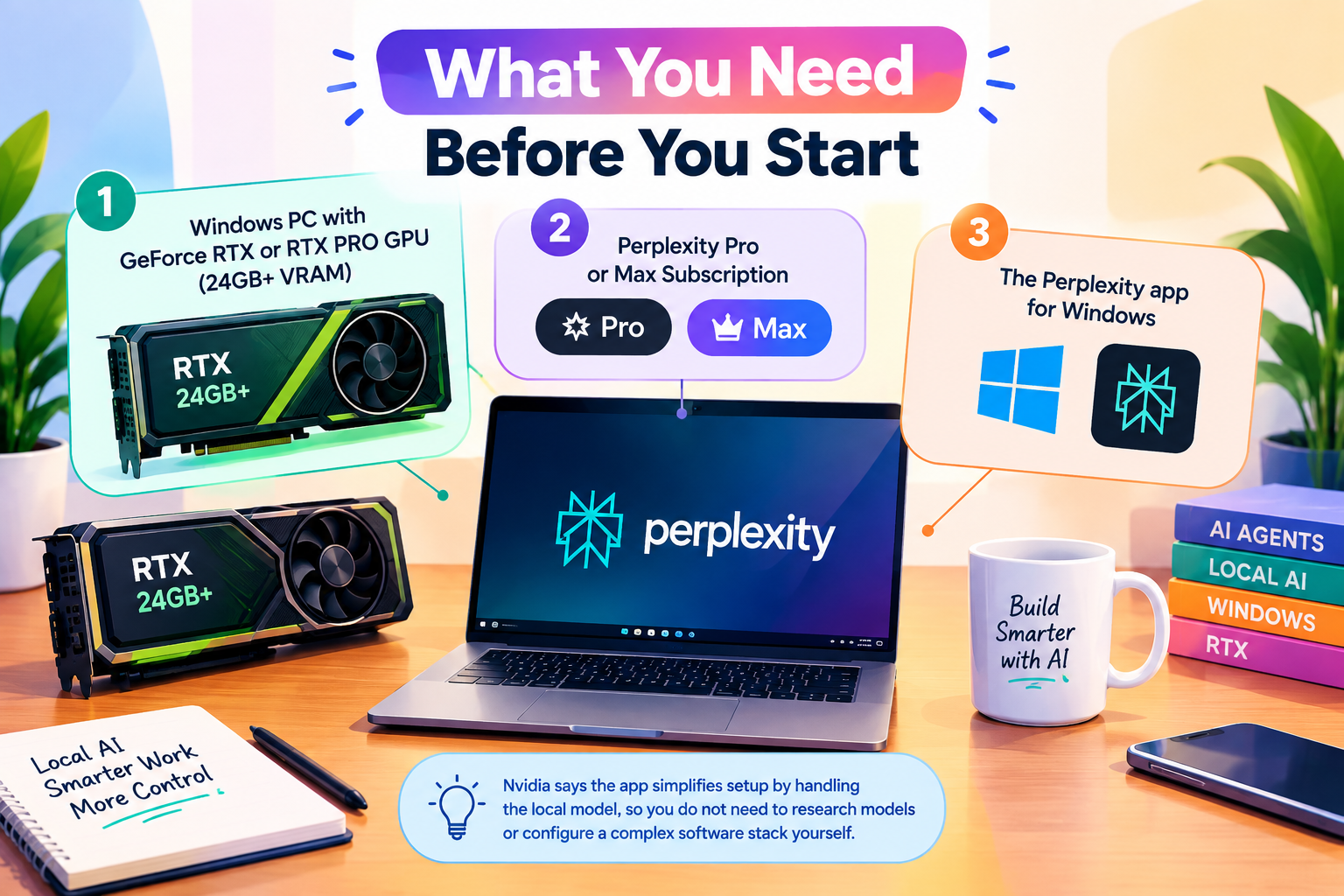
Nvidia says the app simplifies setup by handling the local model, so you do not need to research models or configure a complex software stack yourself.
Local vs Cloud: What Actually Changes
Cost
Tasks finished on your own GPU do not draw down Perplexity Computer credits. For people who run the same kind of agent job again and again, that is the main financial argument for going local.
Privacy
The model, the agent harness and your files stay on the PC by default. When a task needs a stronger cloud model, Portable Computer can recognize that and ask for your permission before sending anything off the device. That permission step is what makes it practical for documents you would not paste into a chatbot.
Reasoning power
A local model in the 27 billion parameter range is far smaller than the frontier models that power cloud agents. In practice, the hardest research and reasoning steps are the ones most likely to be handed to the cloud, so expect a hybrid experience rather than a fully offline one.
The Model Question: PPLX 27B or Qwen 3.8 27B?
Coverage of this launch is not fully consistent about the local model. Nvidia’s blog says the app sets up a local model such as Qwen 3.8 27B, post-trained to work with Perplexity Computer and optimized for RTX GPUs. Perplexity’s own Portable Computer page lists PPLX 27B for supported Windows and Linux RTX PCs and states that Qwen 3.8 27B is not available on Windows RTX PCs. It also says NVIDIA Nemotron 3.5 Lightning is coming soon.
The safest reading is to treat Perplexity’s product page as the authority on what actually installs on Windows, and to confirm the model name inside the app after setup.
Connectors and Real Workflows
Portable Computer connects to Microsoft Outlook, OneDrive, Word, Google Drive, Gmail, Slack and GitHub. Nvidia’s launch post gives three example workflows:
- Engineering: review open pull requests in a connected GitHub project, sort them by status, and flag outdated documentation with proposed updates.
- Finance: analyze brokerage summaries, 1099s and tax returns to find recurring holdings that create avoidable fees, with figures cited to the exact file and page, without the documents ever reaching a chatbot.
- Startups: analyze a funnel export locally to find where signups drop off, then post the top insights to a team Slack channel.
The common thread is recurring work on files you would rather keep private. Freelancers, small agencies and finance-minded solo operators are the people most likely to benefit from that pattern.
Limits to Know Before You Commit
- The 24GB VRAM floor excludes most gaming PCs and mainstream laptops.
- A Pro or Max subscription is still required, even for local work.
- No separate price for Portable Computer has been announced, so the subscription tier is the real entry cost.
- Laptop support for the 24GB RTX 5090 Laptop GPU is unconfirmed.
- Only one local model runs at a time, according to Perplexity’s product information.
- The local model is smaller than cloud frontier models, so complex tasks may need cloud help.
Other Local Agents Launched Alongside It
Portable Computer was not the only local agent news in this window. Reporting from Technobezz notes that the same announcement cycle brought one-click local model setup for Hermes Agent on Windows and an OpenClaw Windows app for RTX GPUs with 24GB of VRAM or more. Put together, 24GB is quickly becoming the practical entry line for local agents on Windows PCs.
If you are still deciding between running small local models and paying for frontier models, our guide on small AI models vs frontier AI models covers how to choose. For cloud-based options that need no special hardware, see our list of the best AI agents for small business automation.
Is It Worth Buying a 24GB GPU for This?
The answer depends on what you already own.
If you already have an RTX 3090, 4090, 5090 or a qualifying RTX PRO card and a Perplexity Pro or Max plan, Portable Computer is effectively a free way to move part of your agent workload onto hardware you paid for. Try it on a recurring task that involves private files and see how often it stays local.
If you do not own a qualifying GPU, buying one only for Portable Computer is hard to justify right now. Compare what you spend on cloud agent credits each month with the cost of a high-VRAM card at current prices, and factor in whether your work involves sensitive documents. Heavy, repeated tasks on private files favor local. Occasional research favors staying in the cloud.
Frequently Asked Questions
Does Perplexity Portable Computer work on Mac?
The platforms announced so far are Windows and Linux on Nvidia RTX hardware, plus DGX Spark. Neither Perplexity nor Nvidia announced Mac support in this launch.
Is Portable Computer free to use?
No. It requires a Perplexity Pro or Max subscription. No separate price for Portable Computer itself has been announced.
Does my data leave my PC?
By default the model, files and agent activity stay on your device. If a task needs a cloud model for more advanced reasoning, the app asks your permission before sending anything off the device.
Can I run it on an RTX 4070 or another 16GB card?
No. Portable Computer on Windows requires a GeForce RTX or RTX PRO GPU with 24GB or more of VRAM, so 12GB and 16GB cards do not qualify.