
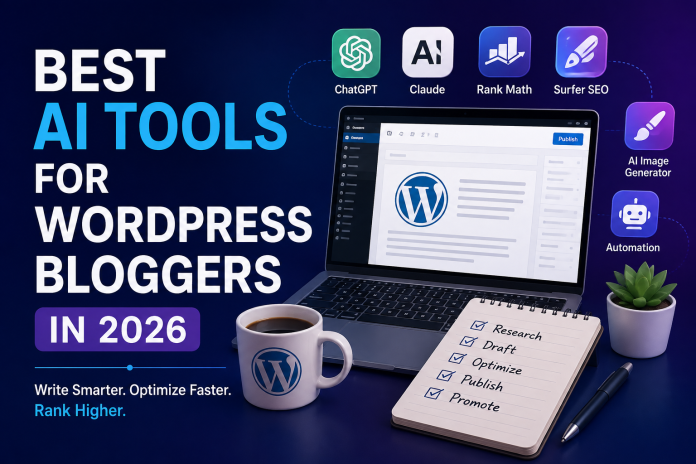
If you run a WordPress blog in 2026, you are not short on AI tools to choose from. The problem is not availability, it is choosing the right combination without paying for five overlapping subscriptions. This guide breaks down the AI tools that actually earn their place in a WordPress workflow this year, grouped by what they do rather than by hype.
Why WordPress bloggers need a real AI stack in 2026
WordPress still powers a huge share of the web, and most of that content still gets written, optimized, and published by small teams or solo bloggers. AI has changed three parts of that process the most: first drafts, on page SEO scoring, and image creation. Trying to do all three manually in 2026 is simply slower than it needs to be, but throwing every AI tool at your workflow at once usually creates more chaos than output. The goal is a lean stack, not a crowded one.

AI writing assistants for first drafts
For long form drafting outside the WordPress editor, general purpose AI assistants remain the starting point for most bloggers. Claude tends to produce cleaner, more natural long form output for guides running past 1500 words, which matters if your niche rewards depth over quick hits. ChatGPT remains a strong pick for fast outlines, quick rewrites, and brainstorming headline variations before you commit to a full draft. If you are still deciding between the two for your workflow, our comparison on ChatGPT vs Claude vs Gemini breaks down where each one wins.
Whichever assistant you use, the quality of your prompts decides the quality of your draft. A vague prompt gets a generic draft, a structured one with clear audience, tone, and outline instructions gets something close to publish ready. Our guide on prompt engineering for business covers templates you can reuse across every post.
WordPress native AI plugins
Plugins that live inside the WordPress dashboard save you the copy paste step entirely. AI Engine is a popular pick for teams that want an AI assistant accessible from nearly anywhere in wp-admin, useful for quick edits, meta descriptions, and short form content without leaving WordPress. Rank Math’s Content AI and AIOSEO both combine SEO plugin functionality with AI assist features, scoring drafts against ranking criteria as you write. Bertha AI is worth a look if you want something built specifically for the WordPress block editor rather than adapted from a general tool.
The tradeoff with native plugins is usually depth. They are convenient for quick tasks but rarely match dedicated SEO content platforms for research heavy, competitive keywords.
SEO focused AI content platforms
This is where tools like Surfer SEO, Frase, NeuronWriter, and Outrank come in. These platforms analyze the current top ranking pages for your target keyword and generate a content brief covering word count, headings, and terms competitors are using that you are missing. Surfer SEO’s Content Editor grades your draft in real time against the live SERP, which is genuinely useful when you are trying to close a content gap on a competitive term. Outrank leans more autonomous, positioning itself as a hands off content and authority building system rather than just a scoring tool.
Pricing on this tier runs wide, from around 45 dollars a month on the low end to over 200 dollars a month for scale plans, so this is usually the layer to add once your traffic actually depends on organic search rather than from day one.
AI image tools for featured images
Featured images and in post visuals are the other place AI has genuinely sped things up. Instead of stock photo hunting, AI image generators let you produce a custom featured image in minutes that matches your post’s topic exactly. If you have not tried this yet, our beginner’s tutorial on how to create AI generated images walks through the basics.
Where automation fits in
Beyond writing and images, automation tools handle the repetitive parts, scheduling social posts, formatting drafts for WordPress, and triggering workflows when a new post goes live. If your blog production is still fully manual past the drafting stage, our guides on what AI automation actually is and the best AI automation tools for businesses are good starting points before you build out a bigger stack.
How to build your stack without overspending
Most working WordPress bloggers in 2026 run three tools, not ten: one for drafting, such as Claude or ChatGPT, one for SEO scoring, such as Surfer SEO or Rank Math Content AI, and one for images. Add automation once your publishing volume justifies it. Start with the free tiers or trials on each layer before committing to paid plans, and only upgrade the layer that is actually your bottleneck. If drafting is slow, invest there first. If your posts draft fast but rank poorly, the SEO layer is where the money should go instead.
Conclusion
AI has not replaced the WordPress blogger, it has removed the slowest parts of the job. The bloggers pulling ahead in 2026 are not the ones using the most tools, they are the ones who picked a lean, well matched stack and kept a human editing pass on every post before it goes live. Start with one tool per layer, measure what it actually saves you, and expand only where the bottleneck really is.